PhotoPrompt
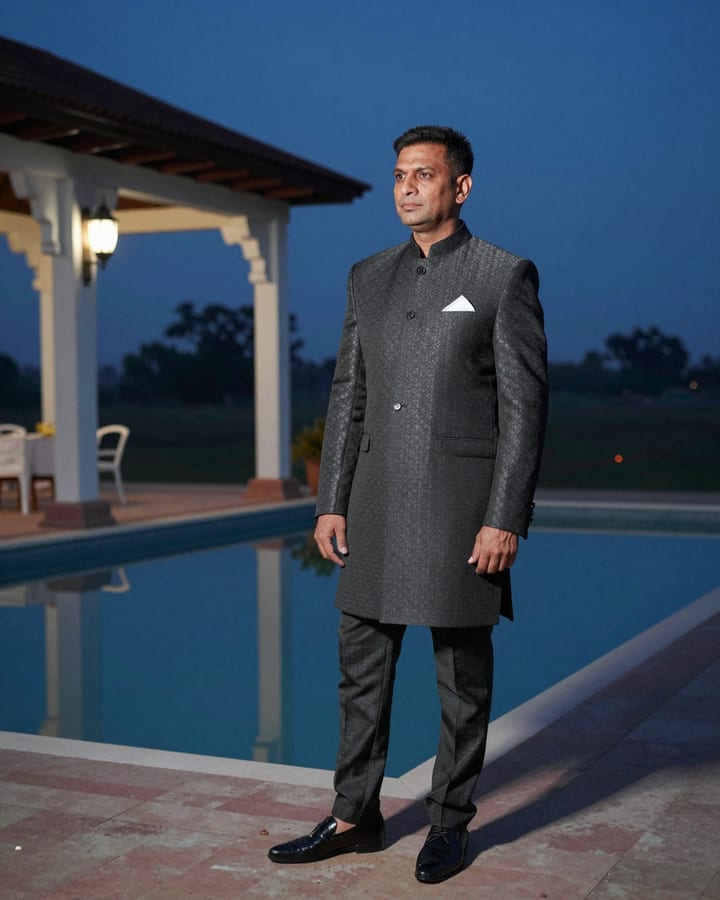
Bandhgala Wedding Guest Evening AI Photo Prompt
Gemini & ChatGPT
Handy for choosing a guest outfit, sharing a cousin's wedding pictures and refreshing a formal profile photo.
Edit my uploaded photo into an adult men's wedding-guest portrait, keeping my face, beard, skin tone, hair and body build exactly as in the original image. I wear a charcoal bandhgala suit with a mandarin collar, plain dark buttons, a white pocket square and polished black loafers. I stand at the edge of an evening wedding venue with a long reflecting pool, warm lanterns hung along a pergola and guests in soft blur, one hand in my pocket, relaxed half-smile. Warm lantern glow and a deep blue sky. 70mm lens, charcoal, amber and navy palette, 3:4 aspect ratio.
How to use this prompt
- Copy the prompt above.
- Open Gemini or ChatGPT and attach your own photo.
- Paste the prompt and send it.
Tips for a better result
- An upright photo that shows your full torso helps the jacket structure look right.
- If the collar looks odd, ask for a clean mandarin stand collar with no extra seams.
Ways to change it
- Navy suit: Change the bandhgala to deep navy with a silver-grey pocket square.
- Daylight: Set the scene in daytime on a sunlit lawn with white tents.
Use only your own photo or one you have clear permission to use. Do not use photos of children or of anyone without their consent.
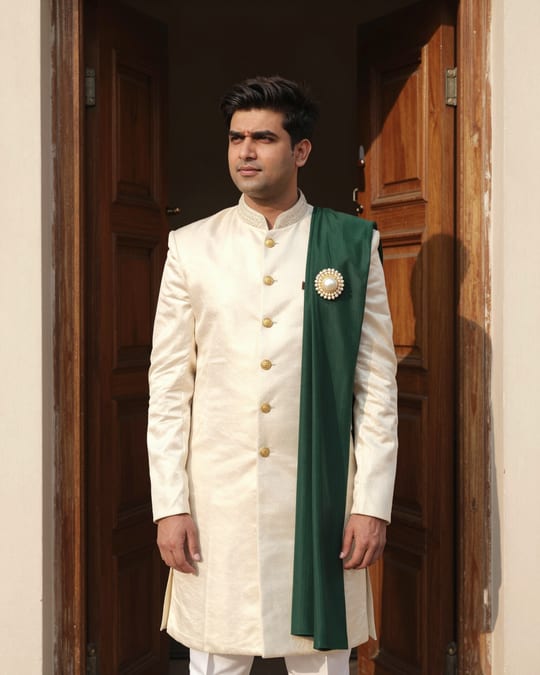
The sample photo was rendered by JadooKit with an open AI model and shows no real person. Your result in Gemini or ChatGPT will look different.