PhotoPrompt
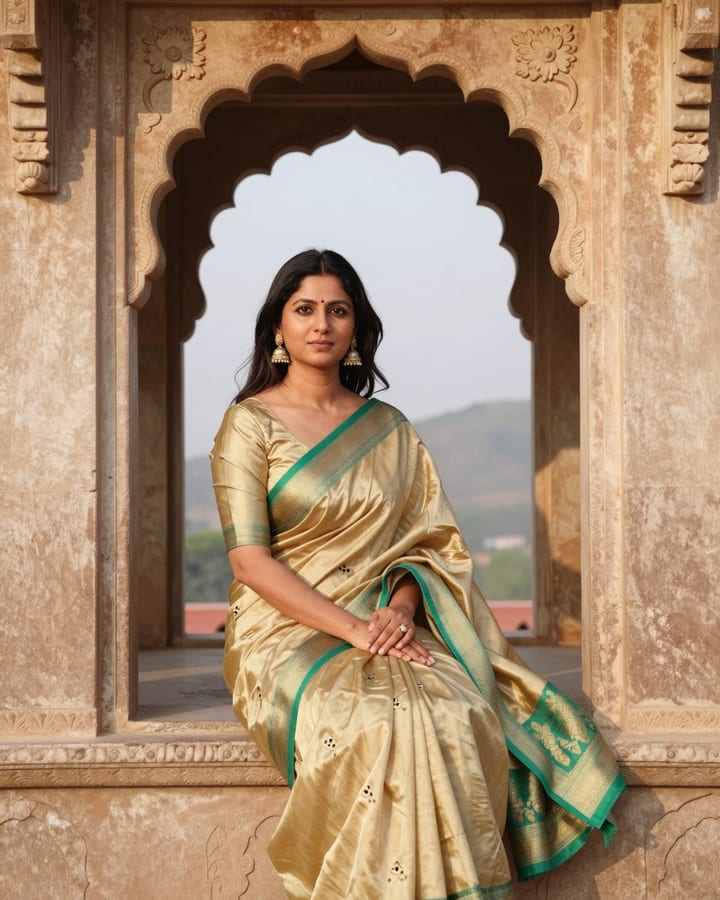
Chanderi Saree Fort Window Portrait AI Photo Prompt
Gemini & ChatGPT
Ideal for heritage-themed posts, anniversary pictures and elegant ethnic profile photos.
Edit my uploaded photo into a royal-heritage portrait while maintaining my real face, complexion, features and hair as in the original. I wear a pale gold Chanderi silk-cotton saree with fine zari buttis and a thin green border, a half-sleeve green silk blouse, kundan studs and a delicate maang-tikka. Pose me seated in a carved stone jharokha window of an old fort, one arm resting along the sill, turned slightly toward the light, gaze thoughtful. The valley and hazy hills spread out far behind. Soft golden daylight through the arch. 70mm lens, pale gold, emerald and sandstone palette, 3:4 aspect ratio.
How to use this prompt
- Copy the prompt above.
- Open Gemini or ChatGPT and attach your own photo.
- Paste the prompt and send it.
Tips for a better result
- A relaxed three-quarter photo gives the best base for the window-sill pose.
- If the window looks plastic, ask for weathered sandstone with fine carved patterns.
Ways to change it
- Courtyard standing: Move me to a fort courtyard standing beside a carved pillar.
- Rose pink: Change the saree to rose pink with silver zari buttis.
Use only your own photo or one you have clear permission to use. Do not use photos of children or of anyone without their consent.
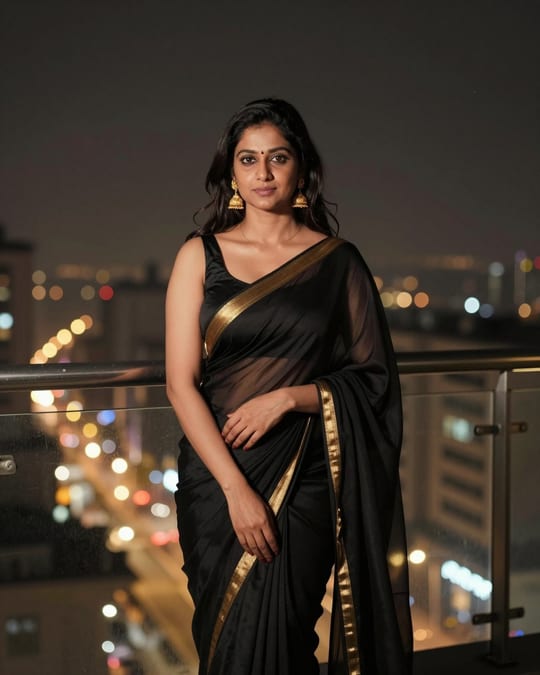
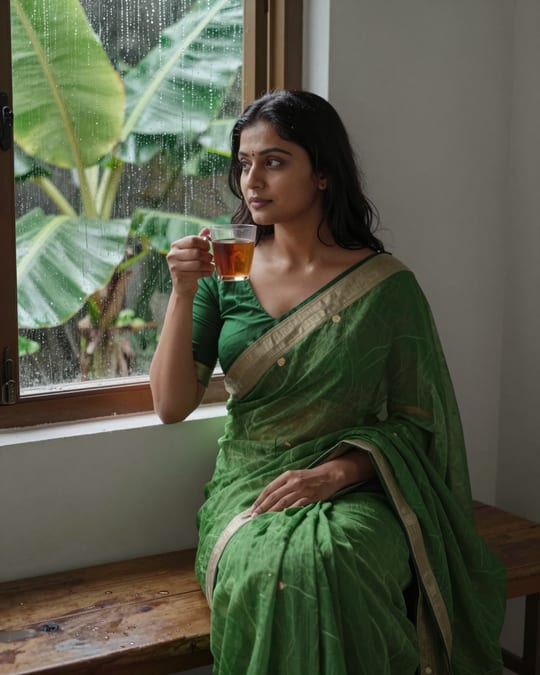
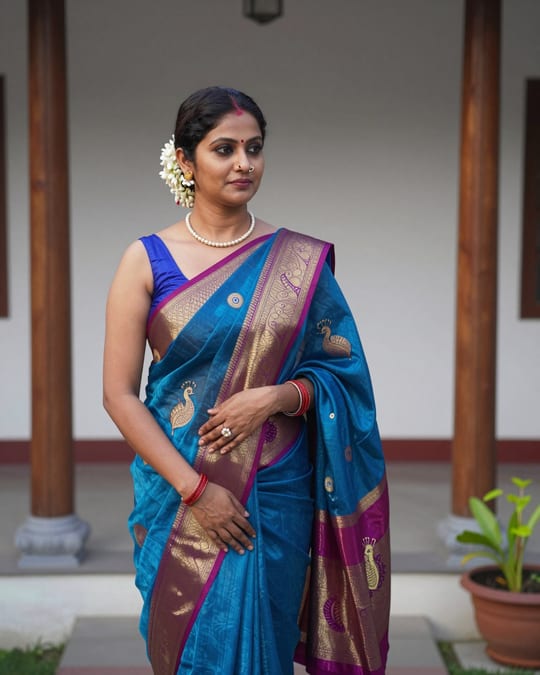
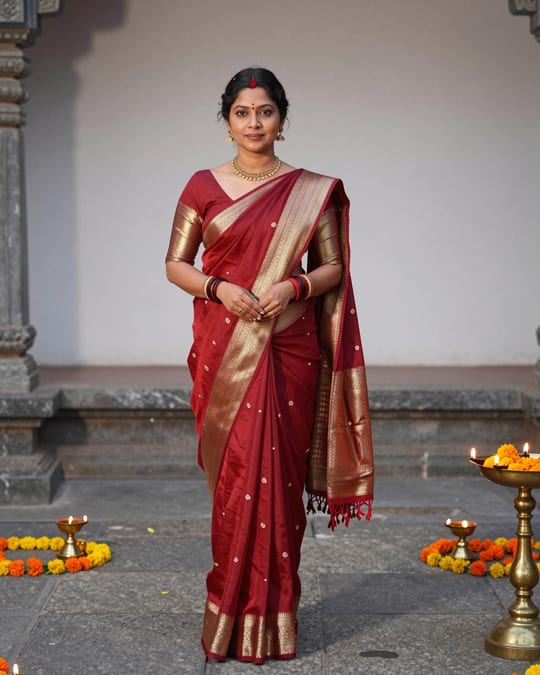
The sample photo was rendered by JadooKit with an open AI model and shows no real person. Your result in Gemini or ChatGPT will look different.