PhotoPrompt
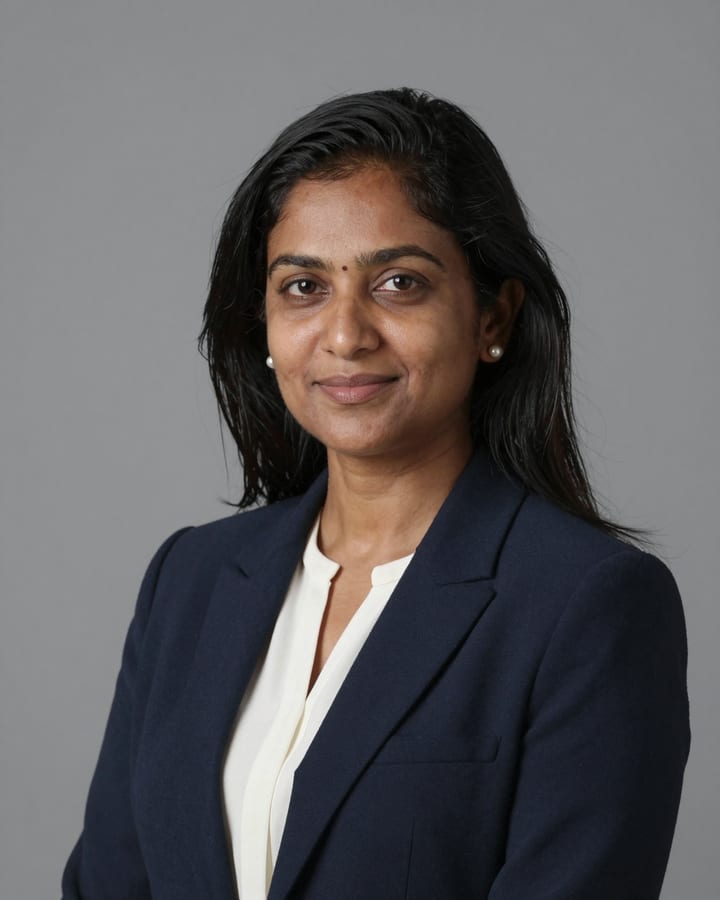
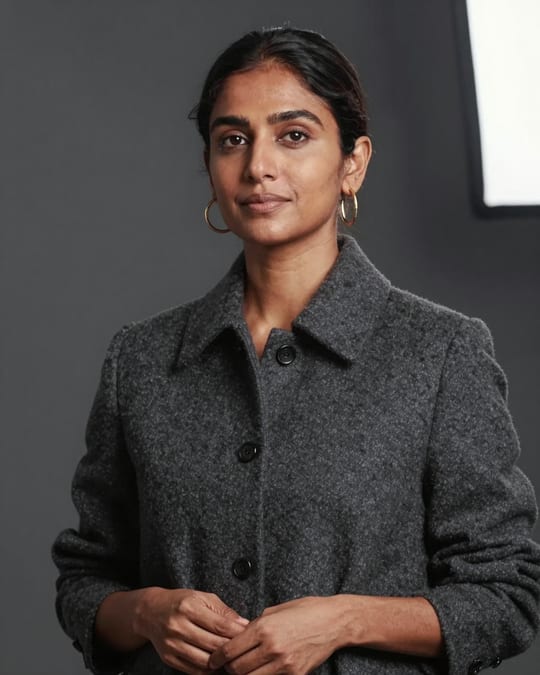
Navy Blazer LinkedIn Headshot AI Photo Prompt
Gemini
Use it for LinkedIn, company websites, speaker bios and job applications where a quick studio headshot is not possible.
How to use this prompt
- Copy the prompt above.
- Open Gemini and attach your own photo.
- Paste the prompt and send it.
Tips for a better result
- A front-facing selfie taken at eye level with plain light works much better than a tilted angle.
- If the result looks over-smoothed, ask for visible skin texture and subtle under-eye shadows to be kept.
Ways to change it
- Warmer backdrop: Swap the grey backdrop for a soft beige wall with a faint warm gradient.
- Full smile: Change the expression to a relaxed natural smile with teeth lightly showing.
Use only your own photo or one you have clear permission to use. Do not use photos of children or of anyone without their consent.
The sample photo was rendered by JadooKit with an open AI model and shows no real person. Your result in Gemini or ChatGPT will look different.