PhotoPrompt

Navy Blazer City Rooftop AI Photo Prompt
Gemini & ChatGPT
A polished smart-casual portrait for LinkedIn, dating profiles or a Sunday profile-picture refresh.
How to use this prompt
- Copy the prompt above.
- Open Gemini or ChatGPT and attach your own photo.
- Paste the prompt and send it.
Tips for a better result
- Use a photo from the waist up with your face clearly lit; a very dark selfie makes the blazer look pasted on.
- If the shirt colour drifts, add the exact shade again at the end of the prompt.
Ways to change it
- Blue hour: Change the sky to deep blue hour with the city lights fully switched on.
- Grey blazer: Swap the navy blazer for a charcoal grey one with a black crew-neck tee.
Use only your own photo or one you have clear permission to use. Do not use photos of children or of anyone without their consent.
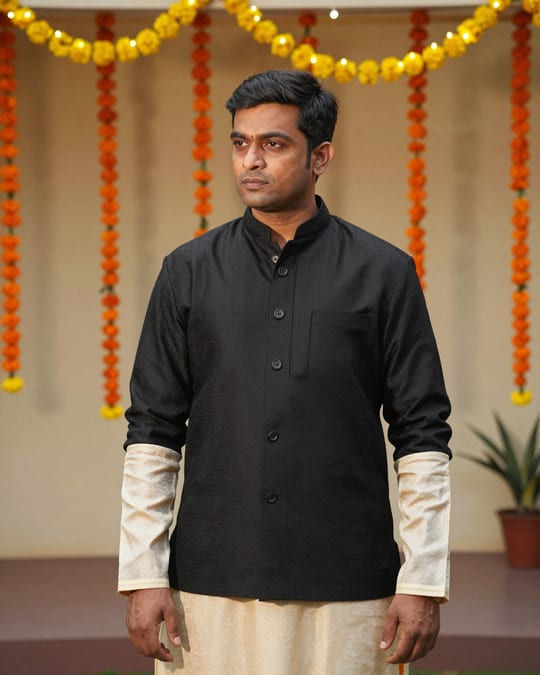
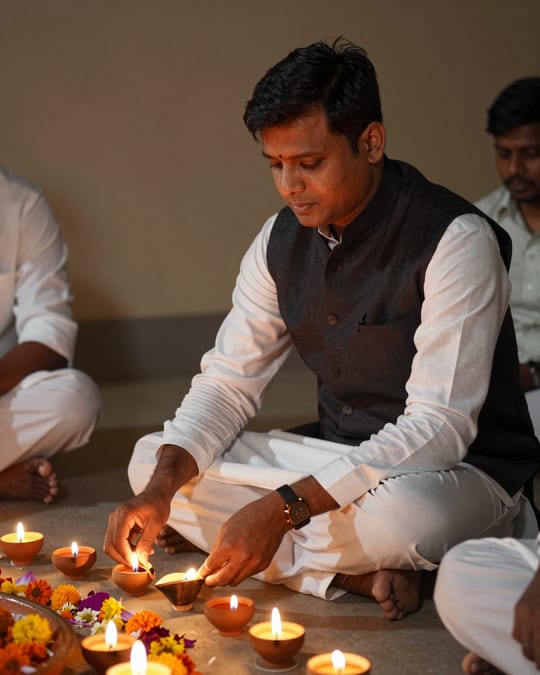
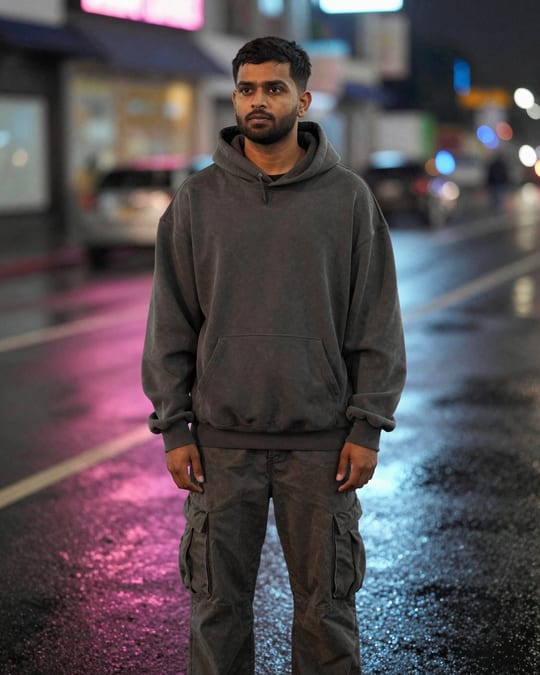
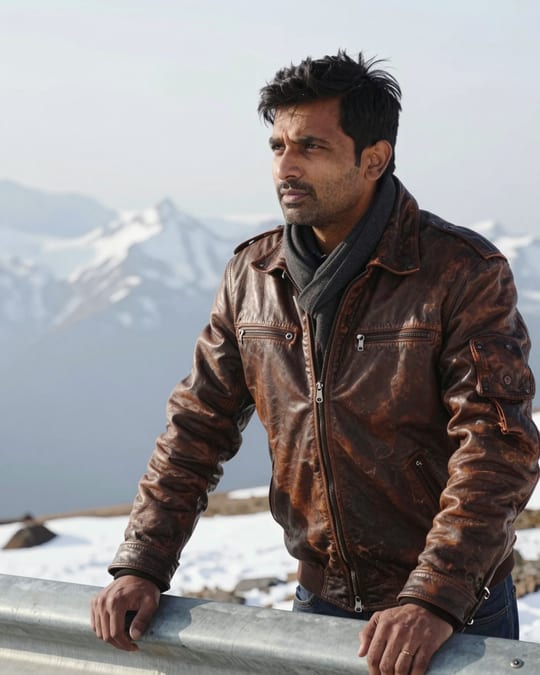
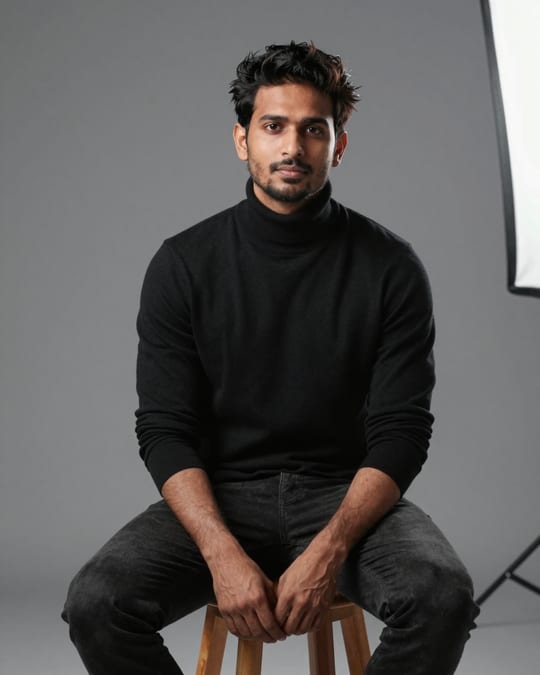
The sample photo was rendered by JadooKit with an open AI model and shows no real person. Your result in Gemini or ChatGPT will look different.